Adaptive difficulty, audio, and more
Last month we promised to bring you more goodies. Well, here they are!
Exercises now also live in the tale
Until now, exercises lived only on their own page. As of today, you can also find them at the bottom of every tale page. Read the page, practice the words it introduced, and then turn to the next page. Twenty exercises stand between you and the next page. But do not worry, they are friendlier than it sounds. Our exercises are designed so that you never get deadlocked. Every exercise has a hint so that even if you get stuck, you can always eventually get it right.
The exercises are built from the page you have just read and, as of the second page, also from the pages before it. Everything you answer is stamped, counted, and added to your Vocabulary the moment you get it right.
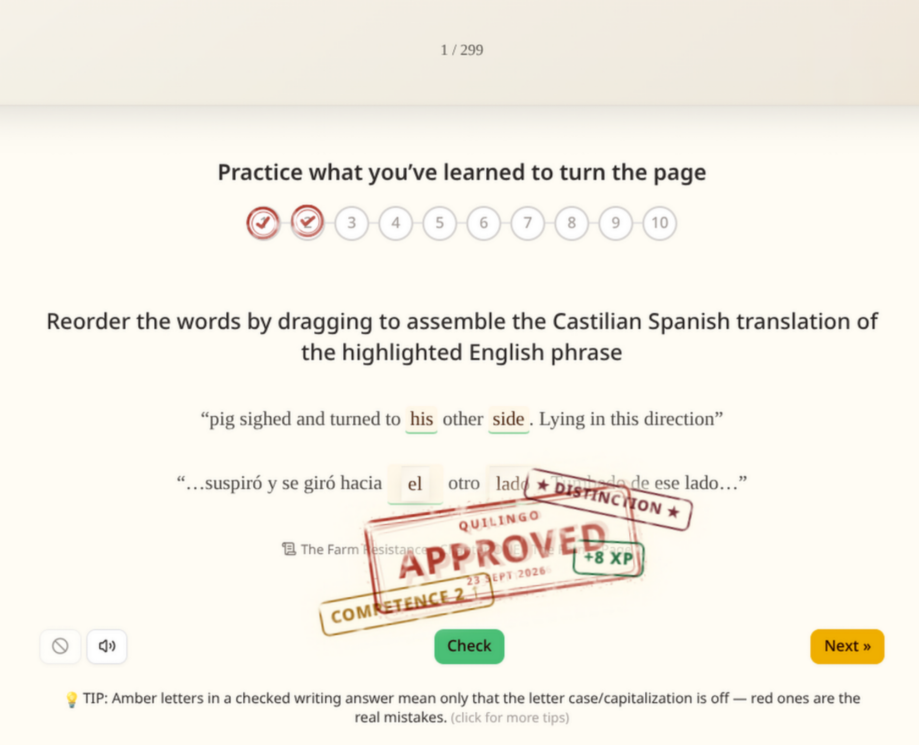
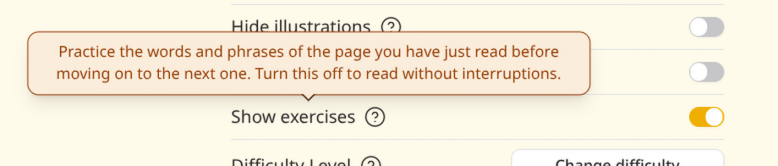
If you would prefer reading without interruptions, the reading settings have a switch for it. Switch it off and the pages turn as before.
The Tailored Journey
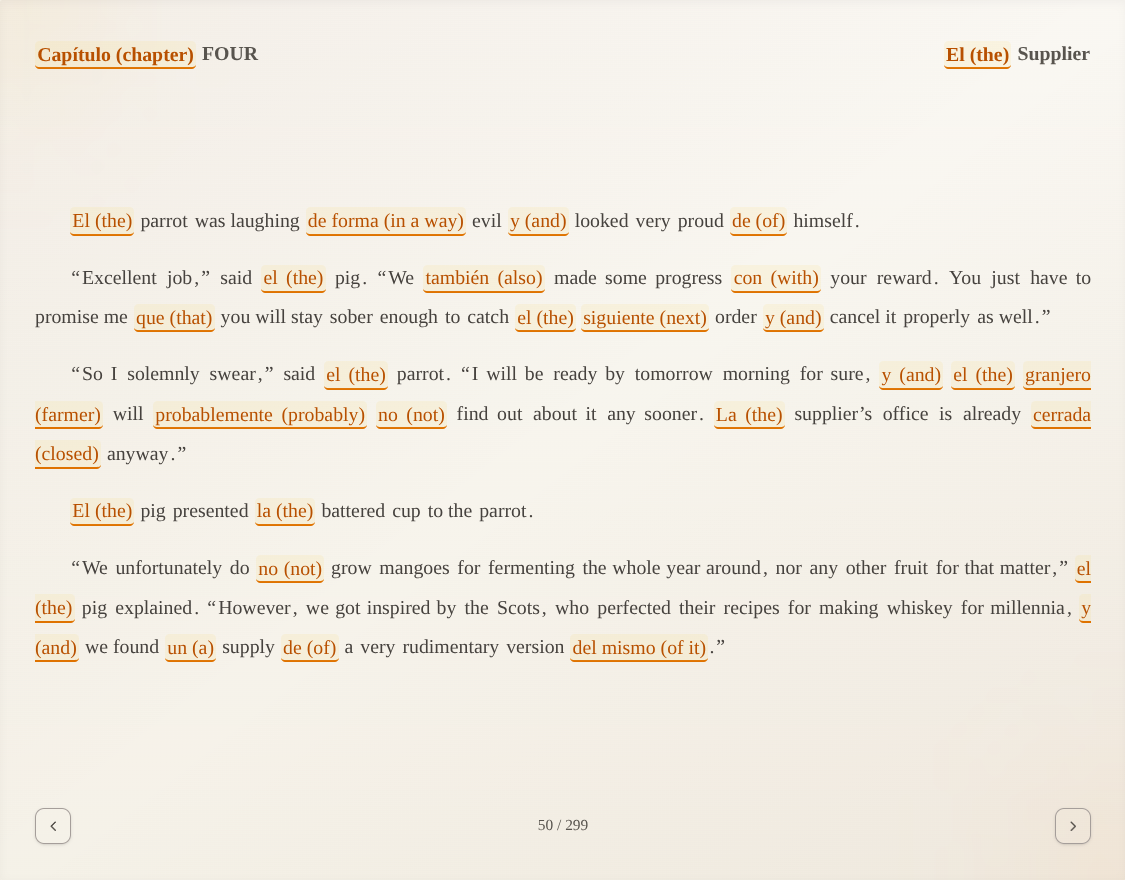
Five difficulty levels asked you to guess your level before you had read a single sentence. Now there is a new option, and it is the one we recommend: the Tailored Journey! It starts light and adjusts to how you do in the exercises, page by page. Do well and more foreign words appear. Struggle and the tale eases off. It learns from your performance, so with the exercises switched off it stays where it is.
Hints in parentheses stay on while you are at the beginning and disappear once the journey passes its midway point, unless you turn them back on yourself in the settings, in which case your choice persists.
To accommodate this new option, the difficulty selector received a little facelift:
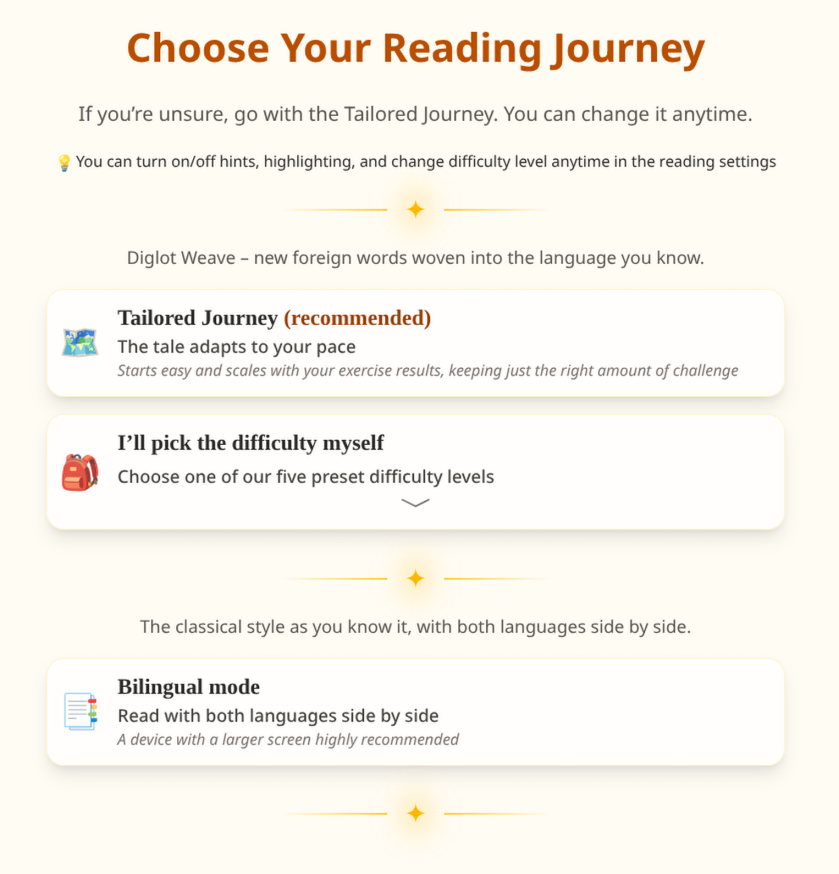
The five preset difficulty levels still exist. Just select the second option and they’ll appear. And for those who would prefer the classical experience of bilingual books with both translations side by side, you can now select it right as you’re opening the tale.
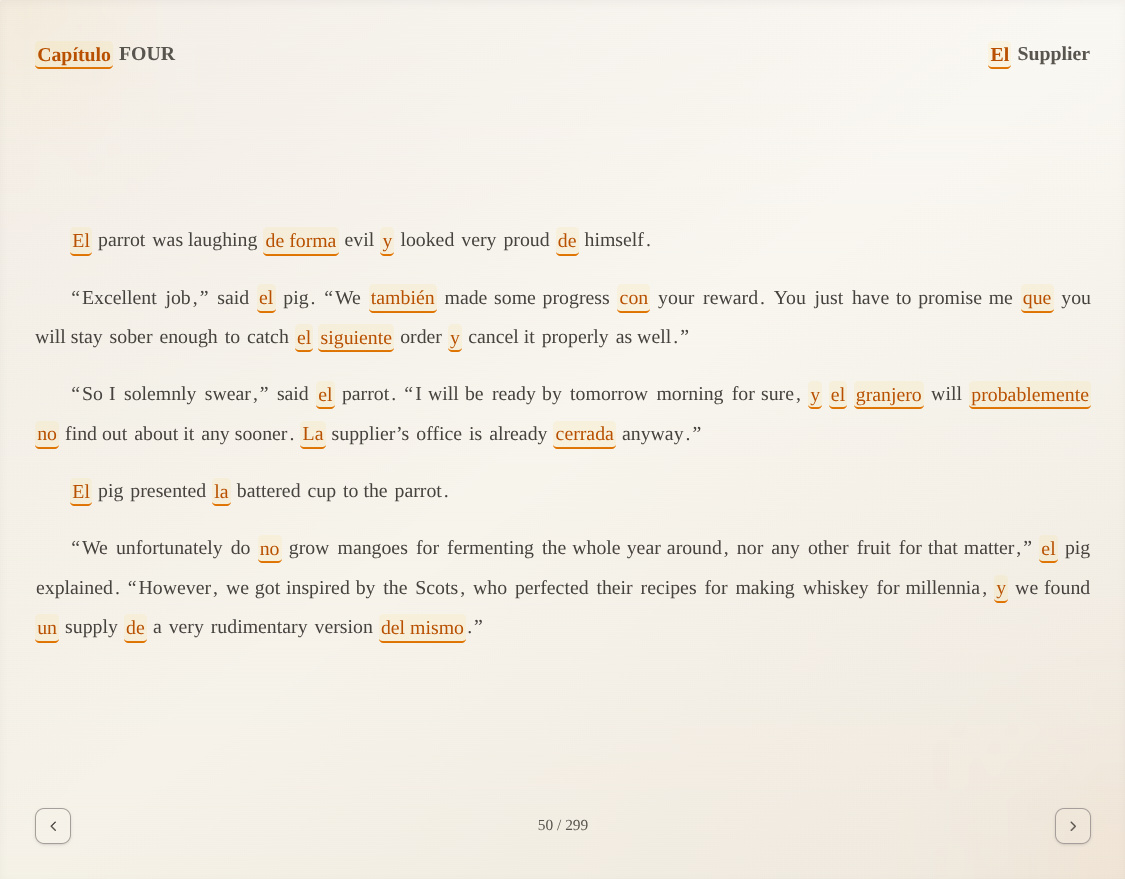
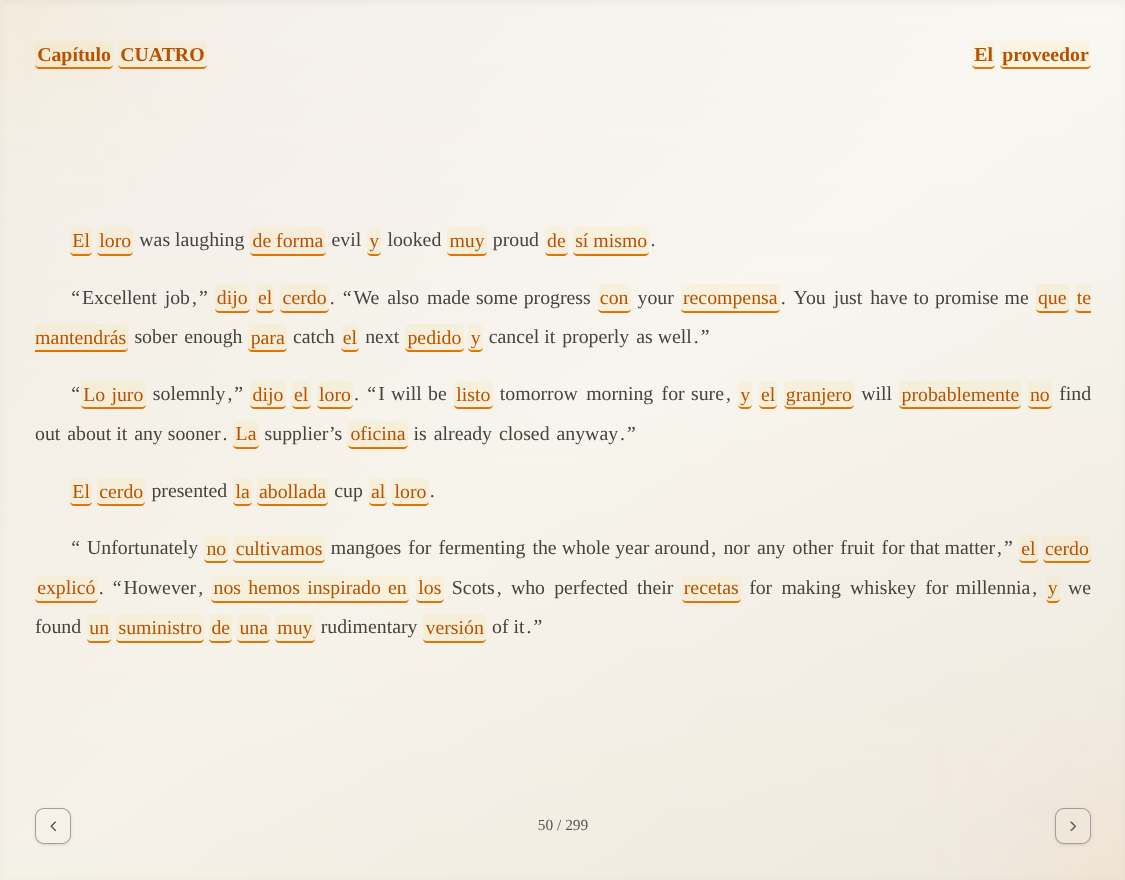
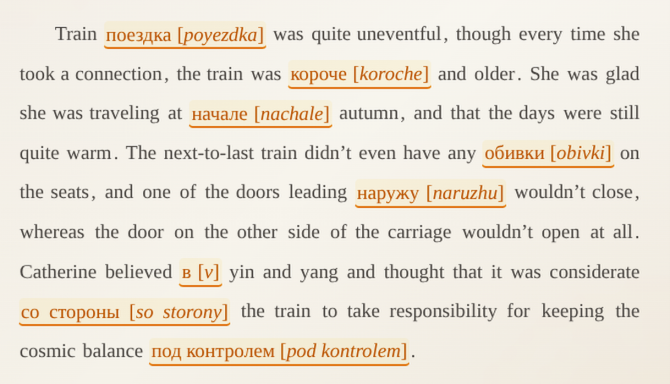
To see the effects of the adaptive difficulty, here’s page 50 from our new tale, The Farm Resistance, two different amounts of Spanish:
Audio! Every single word, spoken aloud
Since late August, every lexical unit in all four languages comes with pronunciation audio. We never gave it a proper introduction, so here it is.
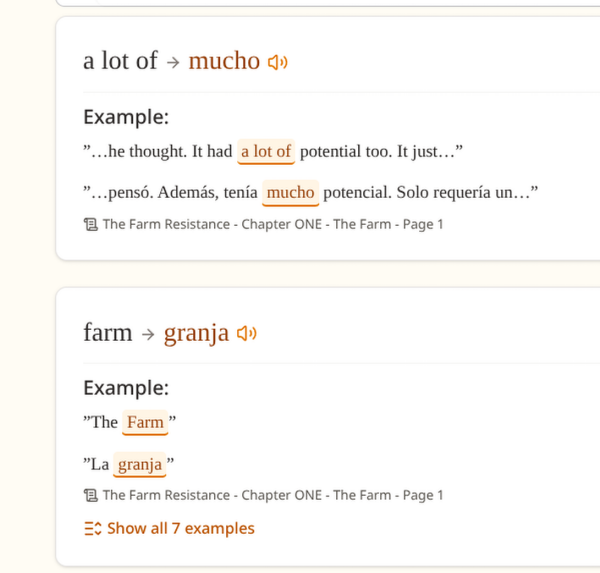
Every word has a recording in a male and a female voice, as sometimes they can differ quite a bit in some languages. For students of English, every lexical unit also has British English and American English variants (so four per lexical unit). All the variants cycle so if you want to hear the other one, just tap or click the icon again.
In the tale, click any word or phrase to hear its pronunciation (or tap it on a touch device).
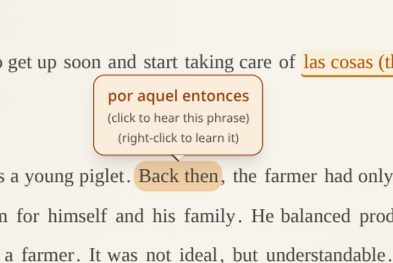
The reading settings let you choose which words answer.

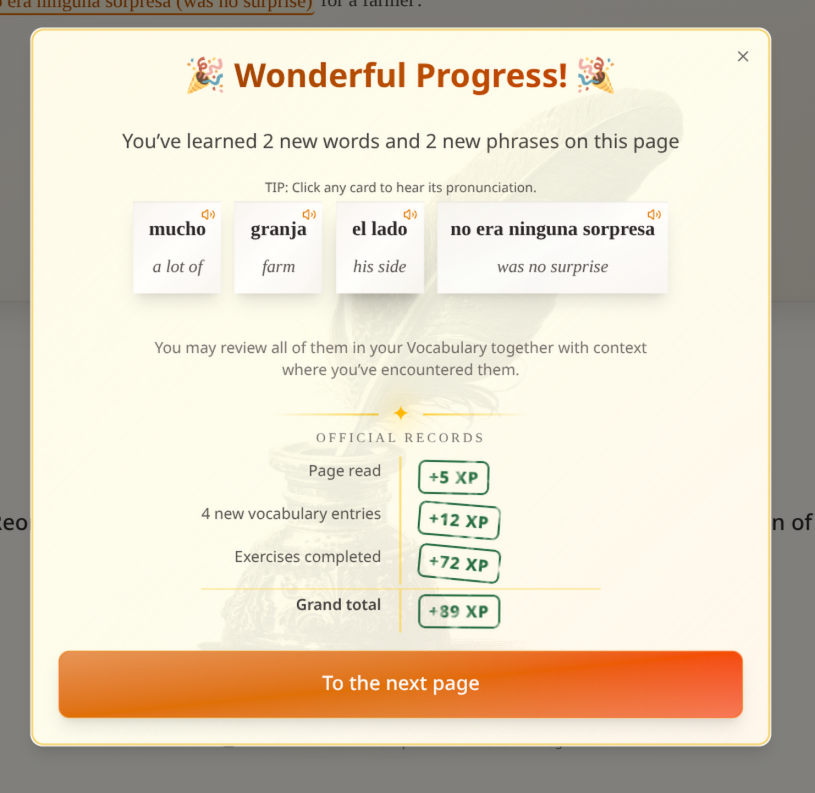
The page summary can speak too. Each card now has a speaker icon, signifying it has audio. Just click or tap it to hear it.
Every Vocabulary entry now has a speaker icon.
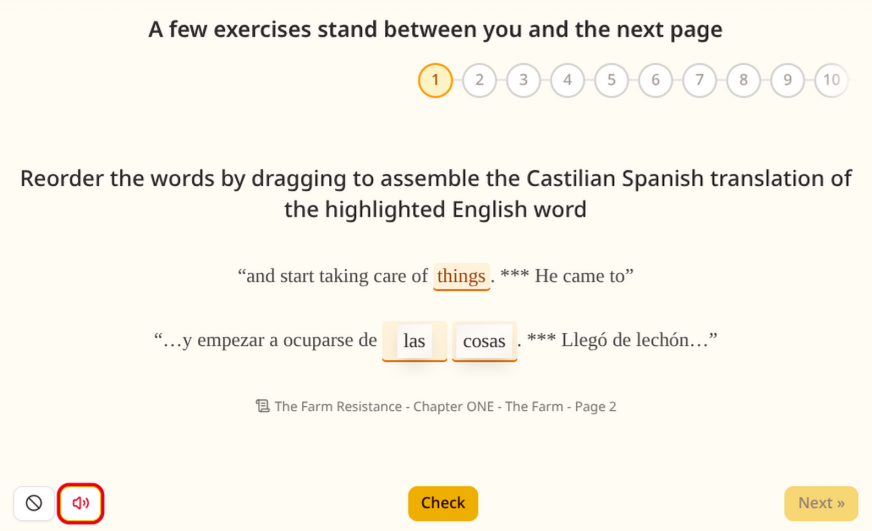
To practice listening during exercises, every exercise now reads the answer after a successful submission. Should you want a quiet practice session, you can mute them with the button in the bottom left corner.
All the audio has been generated with the Gemini 3.1 Flash TTS model. While we would love to hire actual voice actors one day (Peter Marinker would definitely be one of our picks!), it is at the moment prohibitively expensive for us to do so. But we think it’s a decent solution for the time being.
Should you come across any strange mispronunciations, please don’t hesitate to let us know so we can fix them as soon as possible.
AI can be frustrating but also funny
We struggled a bit to explain to the model that we only need it to pronounce the text we’re sending it. The prompt had to be very specific such as “Pronounce the following text for dictionary pronunciation literally and nothing else.” Sometimes, the results genuinely surprised us.
For example, when the word was “sigh”, we received half a minute of AI sighing in our ears. When the word was “singing”, we received a whole two minutes of cringeworthy singing which was so unbelievably awful that we still unfortunately can’t forget it. When the word was “spontaneous”, we received a minute-and-a-half ramble about the AI’s favorite Halloween costume. In the end, it turned out that Google has another endpoint that should supposedly work better for this purpose, with which we ended up having more success. But yeah, AI can be frustrating but also funny.
The Farm Resistance has arrived
The tale has been on the shelves since August, but as of today it is bound in Russian as well, therefore we wrote a proper introduction. Or skip the introduction and join the resistance directly.
And a few small things
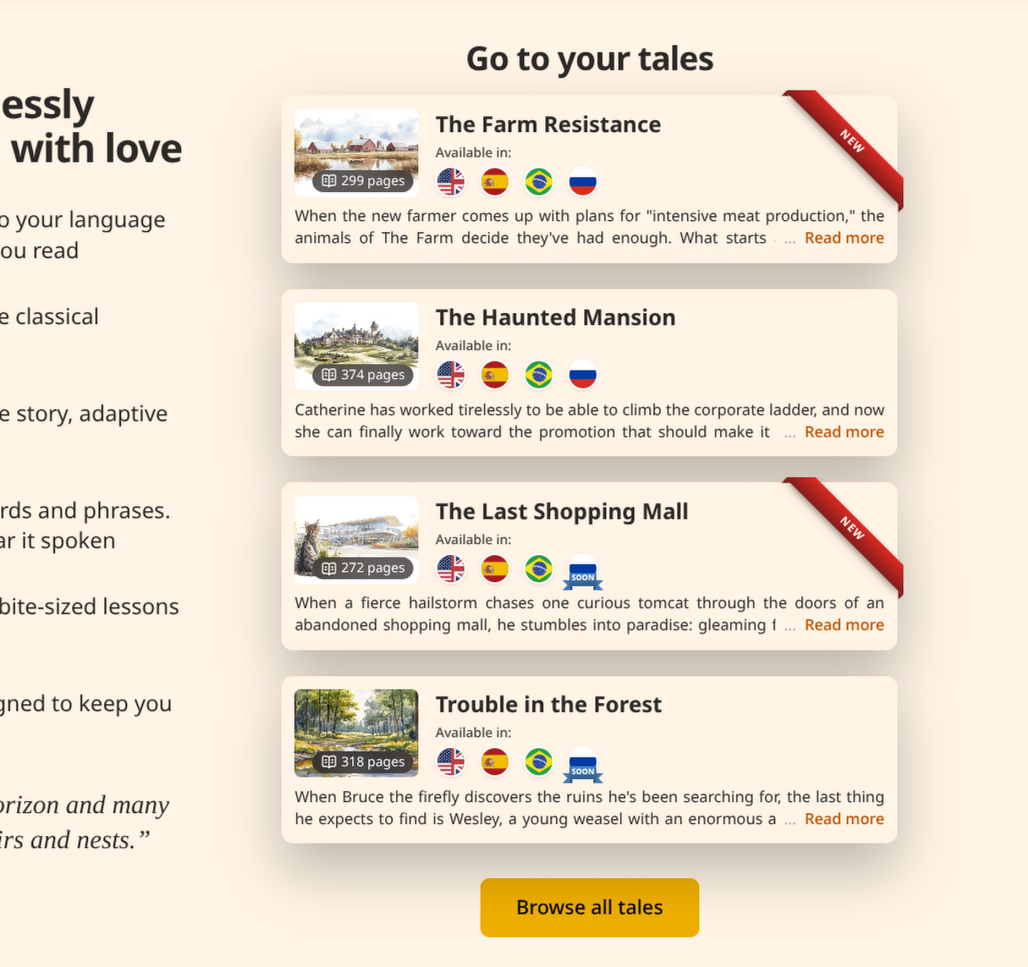
You can now pick a tale right from the front page.
The tale, Vocabulary, and exercises pages had their data fetching improved so they open noticeably faster.
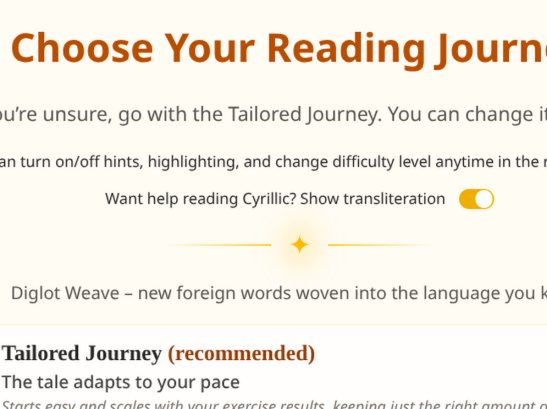
For learners of Russian, the difficulty selection now asks whether you would like help reading Cyrillic, and turns transliteration on for you if you say yes. And of course, you can turn it off or back on in the tale reading settings anytime.
And as usual, this update brings a large number of smaller fixes and improvements in all corners of Quilingo.
Enjoy! It’s back to the workbenches for us.
by the will of the Order
Quilingo
❦